FLUX 3 Early Access: 20-Second Native Audio-Video, Early Evaluation, and Availability
Editorial standards and source policy: Editorial standards, Team. Content links to primary sources; see Methodology.
Last checked: 2026-07-27.
What can teams use today?
FLUX 3 was announced on July 23, 2026. The available product is FLUX 3 Video Early Access, not public general availability. Its headline capability is up to 20 seconds of video with native audio, covering text-to-video, image-to-video, video-to-video, video-plus-audio continuation, and keyframe-to-video. A future open-weight FLUX 3 Dev is on the roadmap, but it is not a downloadable model today.
| What teams can test | Official scope | What to confirm first |
|---|---|---|
| Maximum output | Up to 20 seconds with native audio | Actual account limits for duration, resolution, and calls |
| Inputs | Text, image, video, and video-plus-audio continuation | Which modes are enabled in the current access surface |
| Video tasks | Text-to-video, image-to-video, video-to-video, keyframe-to-video | Character continuity, action, and brand-text stability |
| Availability | Video Early Access | Access terms, pricing, safety, and commercial-use rules |
| Later plans | Image Early Access and future open-weight FLUX 3 Dev | A plan is not current download or commercial availability |
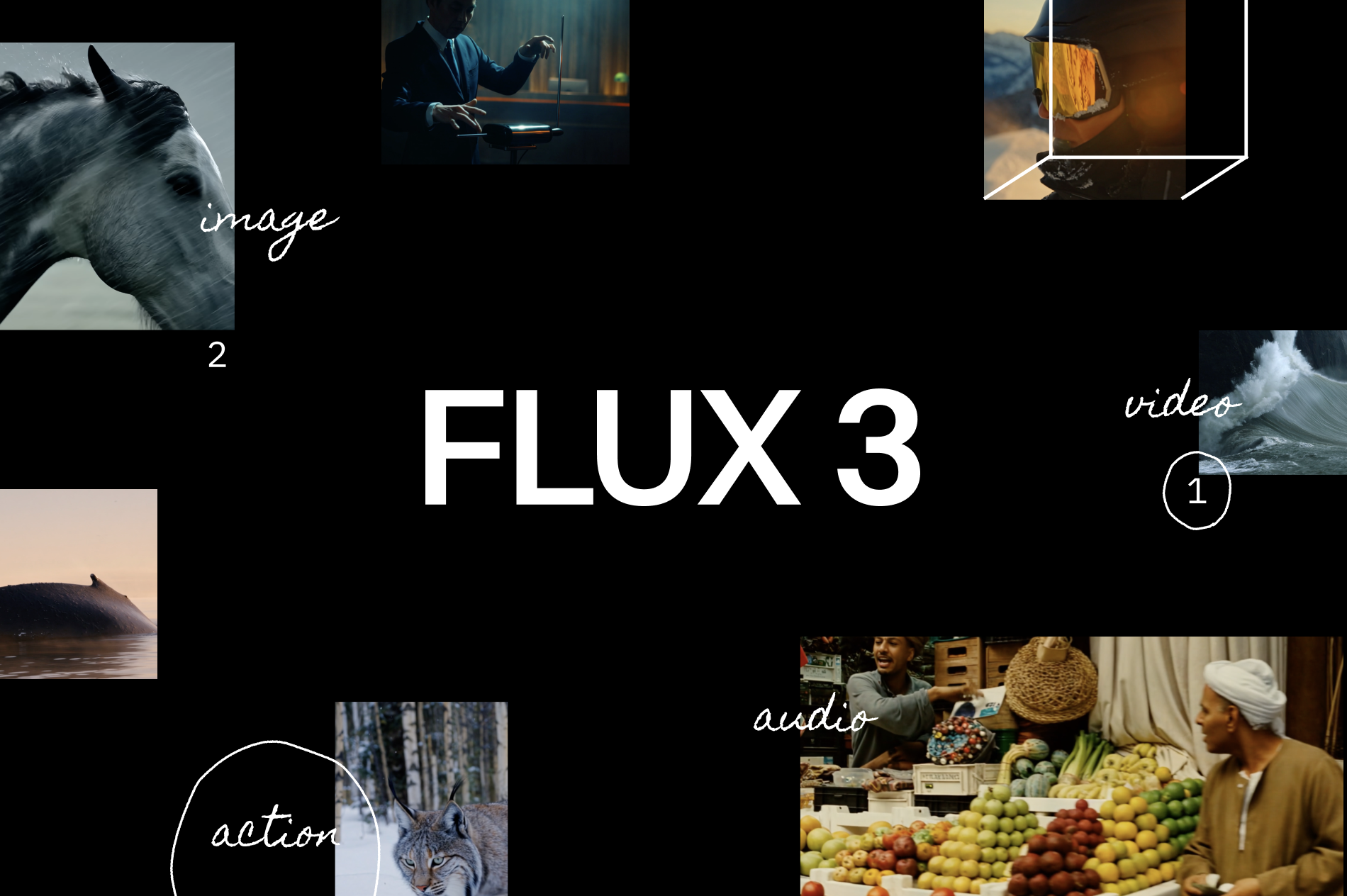
Source image: Black Forest Labs' FLUX 3 announcement, accessed 2026-07-27. The page positions Image, Video, Audio, and Action under one direction; the current product to evaluate is Video Early Access.
Why native audio matters
Many generative-video workflows create visuals first and then add music, ambience, or speech with another model or asset library. FLUX 3 is built around one multimodal foundation jointly trained across image, video, and audio. In plain language, sound is considered during generation instead of being attached only at the end.
That could simplify short-form production: a door opening, a cup landing, footsteps, and motion can emerge in one output. Native does not mean accurate. Teams still need shot-level checks for action-to-sound timing, spoken content, product names, and multilingual copy.
Reading the vendor evaluation
BFL's preliminary comparison used 10-second, 720p clips with audio. Reported preference rates reached 69% against Grok Imagine Video, 60% against Kling v3 Pro, 77% against Runway Gen-4.5, and 93% against Luma Ray 3.2.
These are human preference rates from the vendor's test setup. They show that evaluators more often selected FLUX 3 for those prompts and conditions. They are not a universal ranking across tasks, resolutions, and product versions. BFL also says the evaluation harness is still developing. Procurement should repeat the comparison with the team's products, people, languages, and brand rules.
What belongs in the evaluation log
Video evaluations become unreliable when teams preserve only the winning clip. A reviewable evaluation log should capture the task type, original input, model or version identifier, generation time, output duration and resolution, audio presence, identity consistency, text accuracy, action completion, audio offset, failure reason, and reviewer decision. Keep original files and failures, not only compressed presentation exports.
For model comparisons, show reviewers two anonymized outputs at a time and randomize left-right order to reduce brand and position bias. Cover distinct difficulties such as static products, fast motion, speaking characters, and multilingual text. If a capability is unavailable in the current access surface, mark it untested rather than filling the gap with a result from another mode.
Preference and production acceptance need separate columns. A reviewer may like a clip that still fails brand text, identity, or commercial-use requirements. Preference votes matter only after all blocking checks pass.
E-commerce case: accepting 12 shots
A creative team can define 12 short shots in three languages, with a required action and native sound event for each. Save the prompt, stable model or version identifier, generation time, and original file so outputs remain traceable.
Review character identity across shots, product and brand text, action-to-audio timing, and errors in all three languages. A practical internal pause line is 200ms for audio-event offset. More than two shots with identity drift, any brand-text error, or unclear commercial terms should block launch.
This is an internal acceptance method, not a published FLUX 3 pass rate. Preserve failed clips, especially identity changes, malformed text, and early or late sound. Those examples say more about production readiness than the strongest demo clip.
Is Early Access worth pursuing?
It is worth testing for professional teams that already have a video pipeline and shot-level review, particularly when native sound could reduce post-production work. Teams requiring stable service terms, explicit commercial rules, or local open weights should not treat the current release as a production replacement. FLUX 3 Dev is worth watching, but it remains a future plan until weights, license, and release details appear.
Official and Firsthand Sources
Related reading
- Qwen API pricing and access for builders: verify the model, region, and real test cost
- MiniMax long-context API evaluation: test evidence retrieval before trusting the window size
- GLM coding API evaluation for builders: test one repository patch with diff, tests, and rollback
- Cloudflare Pay Per Crawl test guide: what publishers and AI crawlers can verify in private beta
RadarAI helps builders track AI updates, compare source-backed signals, and decide which changes are worth acting on.