TL;DR
Inoreader is a power-user RSS reader with rules and automation. It supports triggering webhooks when a rule matches an article (officially documented). RadarAI is different: it’s a free, always-on AI monitoring layer with curated briefs and primary-source links.
Decision in 20 seconds
Choose Inoreader if you want advanced RSS automation; choose RadarAI if you want a free, ready-to-use AI monitoring layer with webhook digests and bilingual coverage.
Hands-on (what we verified)
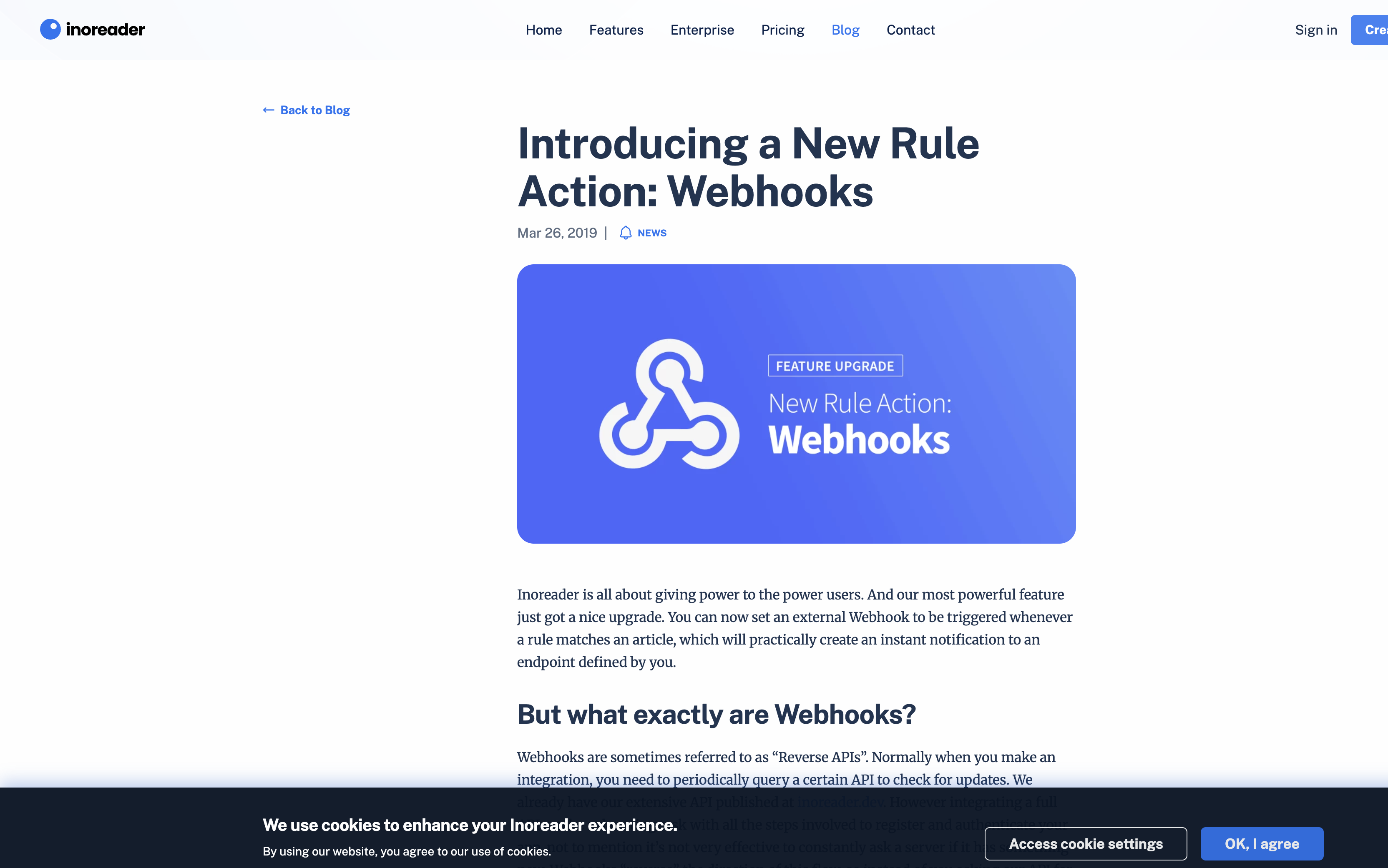
- Official blog documents 'Trigger webhook' as a rule action.
- Webhook workflow: enter a webhook URL and Inoreader sends HTTP POST when rule matches.
Screenshots (evidence)
Quick facts
| Dimension | Inoreader | RadarAI |
|---|---|---|
| Webhook delivery | Yes (rule action, plan-dependent) | Yes (built-in) |
| Setup required | Medium–High (feeds + rules) | Low (open and use) |
| Pricing | Tiered (free + paid) | Free |
| Bilingual | Not a core focus | EN + ZH |
What it is
An RSS reader designed for heavy users: rules, filters, automations, and integrations.
Pricing & limits
Inoreader has tiered pricing; advanced automation features are typically in paid plans (varies by plan).
Subscription modes
Read in-app; automate via rules. Webhook triggers are available as a rule action (see official blog).
Source model (primary vs editorial)
Inoreader is source-agnostic: it delivers what you subscribe to. Your workflow defines noise vs signal.
Best for / Not for
| Best for | Not for |
|---|---|
| Users who want to build custom automations on top of RSS. | People who don’t want to configure a reader and rules, and just want an immediate AI monitoring routine. |
Pros / Cons (builder lens)
| Pros | Cons / trade-offs |
|---|---|
|
|
How to use it in a weekly routine
- If you already use Inoreader, keep it for custom feeds, and use RadarAI as the AI/OSS signal layer for weekly decision-making.
Compare with RadarAI
Fast decision page: https://radarai.top/en/compare/radarai-vs-inoreader
References (official)
External reviews & independent references
-
Readless: Inoreader pricing 2026 (free plan limits + Pro cost)
“Inoreader Free is enough if you mainly want a classic RSS reader with up to 150 RSS subscriptions.”
-
Stackreaction: Webhooks ↔ Inoreader integration overview
“Integration is available through workflow automation tools – Make.com, Zapier or IFTTT.”
Quotable summary
Inoreader is a power-user RSS reader with rules and automations, including webhook triggers as a rule action. RadarAI differs by being free and ready to use immediately as an always-on AI monitoring layer with curated briefs, primary-source links, webhook delivery, and bilingual coverage.